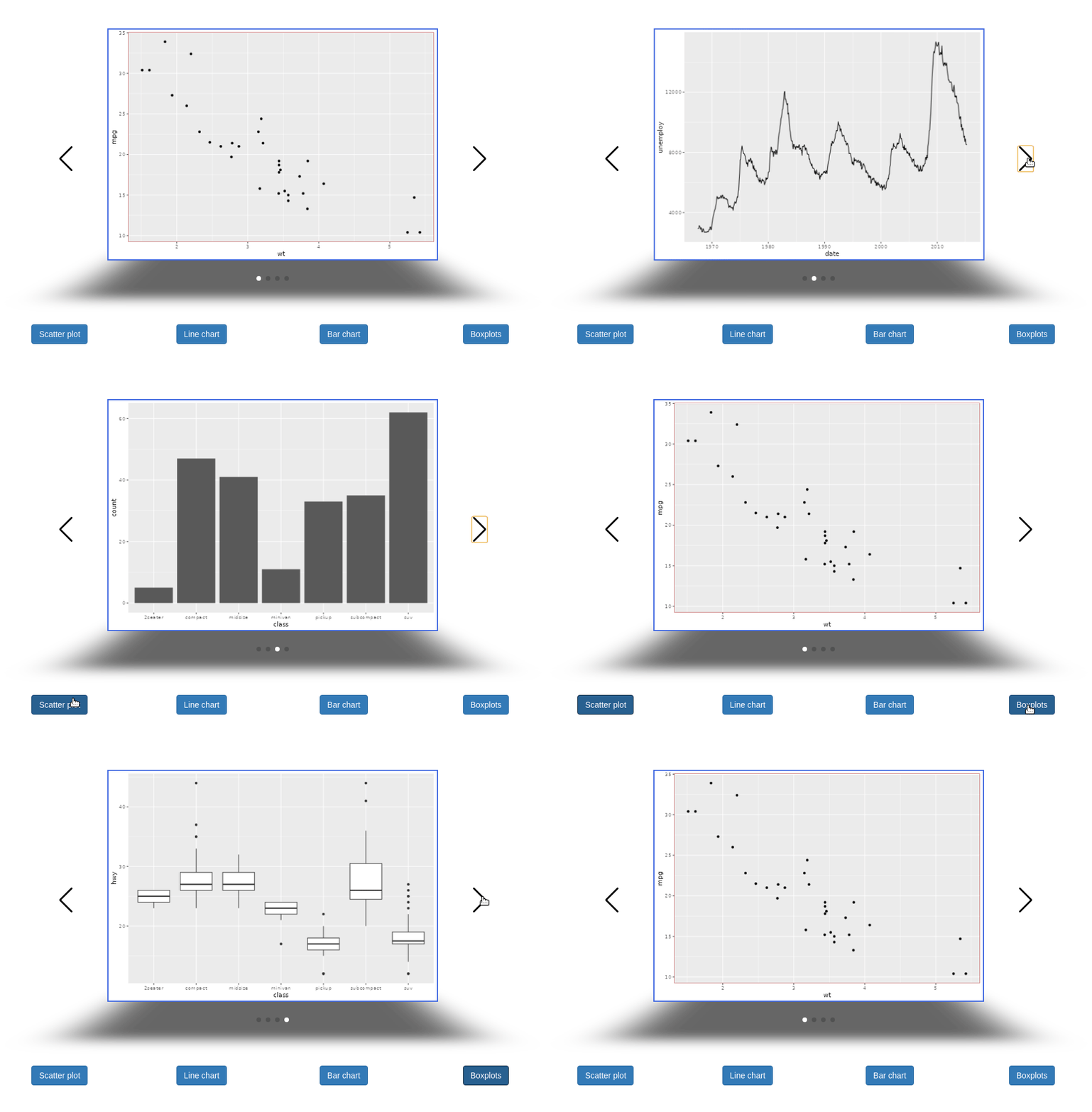

I finally found a way to make the Shiny slider work in the carousel. One has
to include it in a div with the class swiper-no-swiping:
        tags$div(
          class = "swiper-no-swiping",
          sliderInput(
            inputId = "slider", label = "Base font size:",
            value = 12, min = 10, max = 20
          )
        )
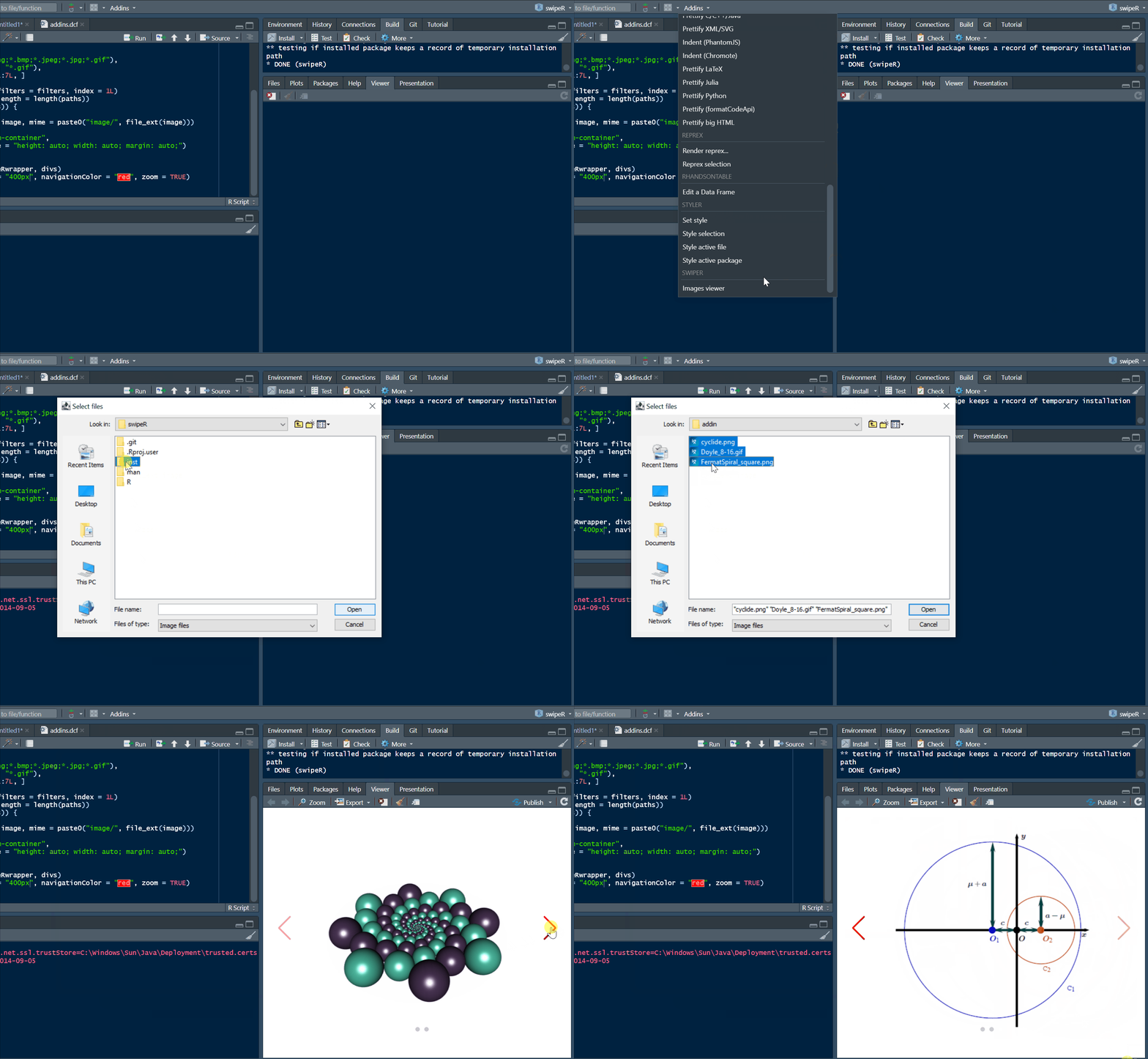
To include an image in a carousel from a file, you can use base64 encoding:
library(swipeR)
library(htmltools)
library(base64enc)
b64 <- dataURI(file = "path_to_image.png", mime = "image/png")
wrapper <- swipeRwrapper(
  tags$img(src = b64, style = "width: 500px; margin: auto;"),
  ......
)
swipeR(wrapper, height = "400px", navigationColor = "navy")
To include plotly graphics in a carousel in R Markdown, you can do:
library(swipeR)
library(htmltools)
library(plotly)
g1 <- ggplot(mtcars, aes(disp, wt)) + geom_point() + ggtitle("Plot 1")
g2 <- ggplot(mtcars, aes(drat, wt)) + geom_point() + ggtitle("Plot 2")
g3 <- ggplot(mtcars, aes(qsec, wt)) + geom_point() + ggtitle("Plot 3")
wrapper <- swipeRwrapper(
  tags$div(style = "width: 500px; margin: auto;", ggplotly(g1)),
  tags$div(style = "width: 500px; margin: auto;", ggplotly(g2)),
  tags$div(style = "width: 500px; margin: auto;", ggplotly(g3))
)
swipeR(wrapper, height = "400px", navigationColor = "navy")
The package also provides a RStudio addin: